
How Subcontracting and Outside Processing Work in Manufacturing ERP
Almost every manufacturer relies on outside specialists for at least one step on the routing: anodizing aluminum housings, heat-treating gears, sterilizing medical assemblies, or co-packing finished pouches. Inside the four walls of your plant, work orders track every part and labor hour cleanly. The trouble usually starts the minute a pallet of half-finished parts leaves your shipping dock for an outside vendor.
Core Takeaway
Outside processing is both a shop-floor routing step and a vendor purchase commitment. Keeping semi-finished stock in a dedicated vendor location tied to the work order prevents lost lots and manual month-end cost allocations.
Why outside processing turns into a spreadsheet blind spot
In basic accounting systems and older ERPs, shipping unfinished parts out of the building forces an ugly workaround. Either warehouse staff issue the components out of inventory early, making on-hand stock vanish before the job is done, or buyers cut a standalone expense purchase order that has zero connection to the production work order.
Two weeks later, both operations and finance pay for that disconnect. Planners walk out to the dock asking how many castings are still sitting at the heat-treater. Meanwhile, accounts payable receives a vendor service bill and has to guess which customer jobs should absorb the plating and freight charges.
When parts leave your dock for outside treatment, they leave your building, not your balance sheet.
Connecting the routing step, vendor stock, and purchase order
Clean subcontracting treats outside processing as a connected loop rather than two separate departments.
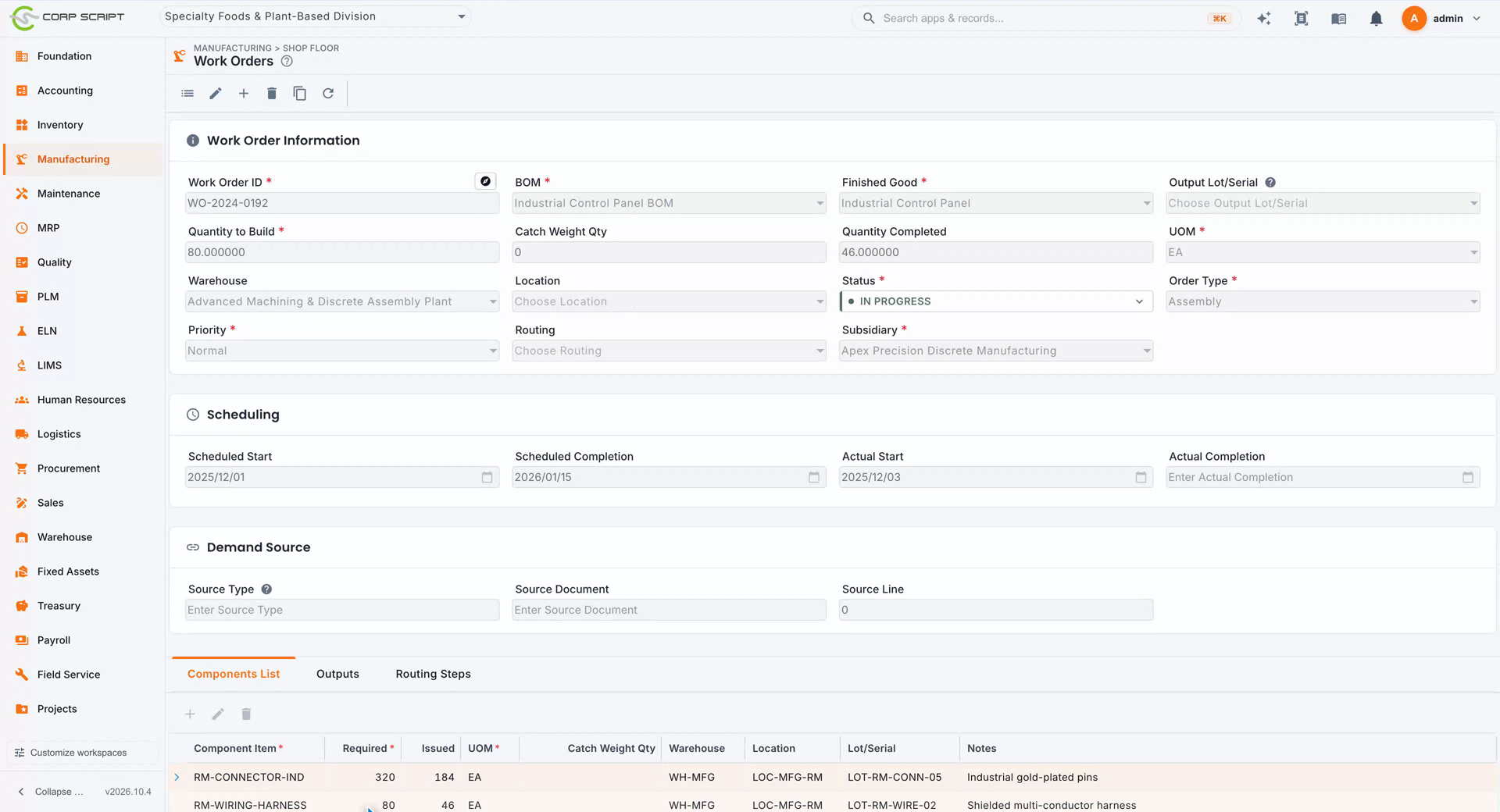
On a CorpScript manufacturing routing, an outside operation links directly to a subcontractor purchase order. Depending on how your supply chain runs, you can ship semi-finished subassemblies from your own floor or use a triangular drop-ship purchase order that sends raw material straight from a mill or supplier to the outside processor.
Instead of writing those parts off, CorpScript transfers the exact lot and quantity into a tracked vendor inventory location. Planners see what sits on plant racks versus what sits at each subcontractor without maintaining a side spreadsheet.
Closed-loop outside vendor processing in CorpScript
- 1Outside routing stepProduction
Work order reaches the outside operation and links to a subcontractor purchase order.
- 2Transfer or drop-shipWarehouse / Buyer
Parts ship from your dock or drop-ship from a raw material supplier into tracked vendor stock.
- 3Live vendor visibilityPlanning
Quantities and lot numbers at the outside processor stay visible on inventory inquiries.
- 4Dock return & yield logReceiving
Treated parts and any reusable by-products return to the plant and advance the work order.
- 5Three-way WIP matchAccounts Payable
Vendor service bill matches against the receipt and rolls straight into Work in Process cost.
Handling yield loss, by-products, and service bills cleanly
Outside operations rarely return the exact weight or count that went out. Co-packers experience packaging scrap, chemical processors return recoverable by-products, and platers occasionally reject a damaged piece.
When the treated batch arrives back at your receiving dock, CorpScript records actual returned quantities, captures any co-products or scrap adjustments against the vendor stock balance, and moves the work order forward to final inspection or assembly. When the subcontractor sends their invoice, three-way matching verifies the billed quantity against what actually returned and posts the service cost directly into Work in Process.
| Control Point | Standalone PO + Spreadsheet | Connected Subcontracting in CorpScript |
|---|---|---|
| Stock sitting at vendor | Invisible once shipped off the dock | Tracked by item and lot in a dedicated vendor location |
| Supplier-to-processor drop ships | Tracked in email threads by buyers | Supported natively via triangular subcontractor POs |
| Scrap and by-product returns | Written off manually during cycle counts | Reconciled on dock receipt against vendor stock |
| Job cost & GL impact | Posted to a generic overhead expense account | Rolled directly into Work in Process on the exact job |
One-Question Plant & Finance Check
If an auditor or planner asks right now how many semi-finished units and which lot numbers are sitting at outside platers or co-packers today, can your ERP answer in one screen without opening Excel?
If answering requires calling the buyer or checking shipping binders, outside processing is disconnected from your inventory and Work in Process ledger.
Common questions
- Can raw materials ship directly from a supplier to an outside subcontractor?
- Yes. CorpScript supports triangular subcontractor drop-ship orders so raw stock purchased from a vendor can ship directly to an outside processor while remaining tracked on your books.
- How do outside processing charges affect product margin?
- Matched subcontractor service invoices capitalize directly into the linked Work Order's Work in Process balance rather than sitting in a generic shop expense bucket, giving finance accurate unit margins on every build.